MacDiff: Apple silicon Mac performance atlas
MacDiff is a free performance atlas for Apple silicon Macs. Every CPU and GPU index is normalized so upgrades stay readable — MacBook Air M1 (8-CPU/7-GPU, 8GB, 256GB) = 100 / 100. Rankings list 28 CPU bins and 37 GPU bins; unique chip-bin IDs and catalog size are documented on /legal/disclaimer and /llms.txt.
This site is not a Geekbench chart, Cinebench table, Apple marketing score, or storefront. Indices are MacDiff’s own relative units.
Baseline: M1 (8-CPU/7-GPU), 8GB, 256
What MacDiff is not
MacDiff does not publish Geekbench single-core or multi-core scores, Metal/compute charts from other labs, or thermal/battery guarantees. When news headlines quote Geekbench numbers for M4/M5 chips, those figures are a different scale. On MacDiff, an index of 250 means about 2.5× the baseline M1 Air on that metric only.
Start here
Four ways into the atlas. Guides are for named matchups; Compare is for an arbitrary pair.
CPU
Chip-bin rankings 28 bins · M1 = 100 · M5 Max 18c @ 337GPU
Graphics rankings 37 bins · M3 Ultra 80c @ 885Compare
Up to five configs Side-by-side CPU and GPUGuide
M1 vs M4 Then browse all guidesAlso: All models · Methodology · About MacDiff · All guides
How MacDiff works
Indices are relative, not absolute benchmark scores. When you see CPU 255, that means roughly 2.55× the MacBook Air M1 baseline — a fixed origin for every page on the site.
1 · Baseline
M1 Air = 100/100 Fixed reference configuration2 · Chip bins
Per-core-count variants Same chip name, different bins3 · Compare
Up to five configs Side-by-side CPU and GPU4 · Cite
Model pages + rankings Shareable URLs and methodologyLatest models
Newest machines in the catalog. Open a card for configs, indices, and the rest of that family.
Popular comparisons
Core guides: M1 vs M4, M4 vs M5, and Upgrade from M1. Or jump into Compare with two configs already picked.
Compare
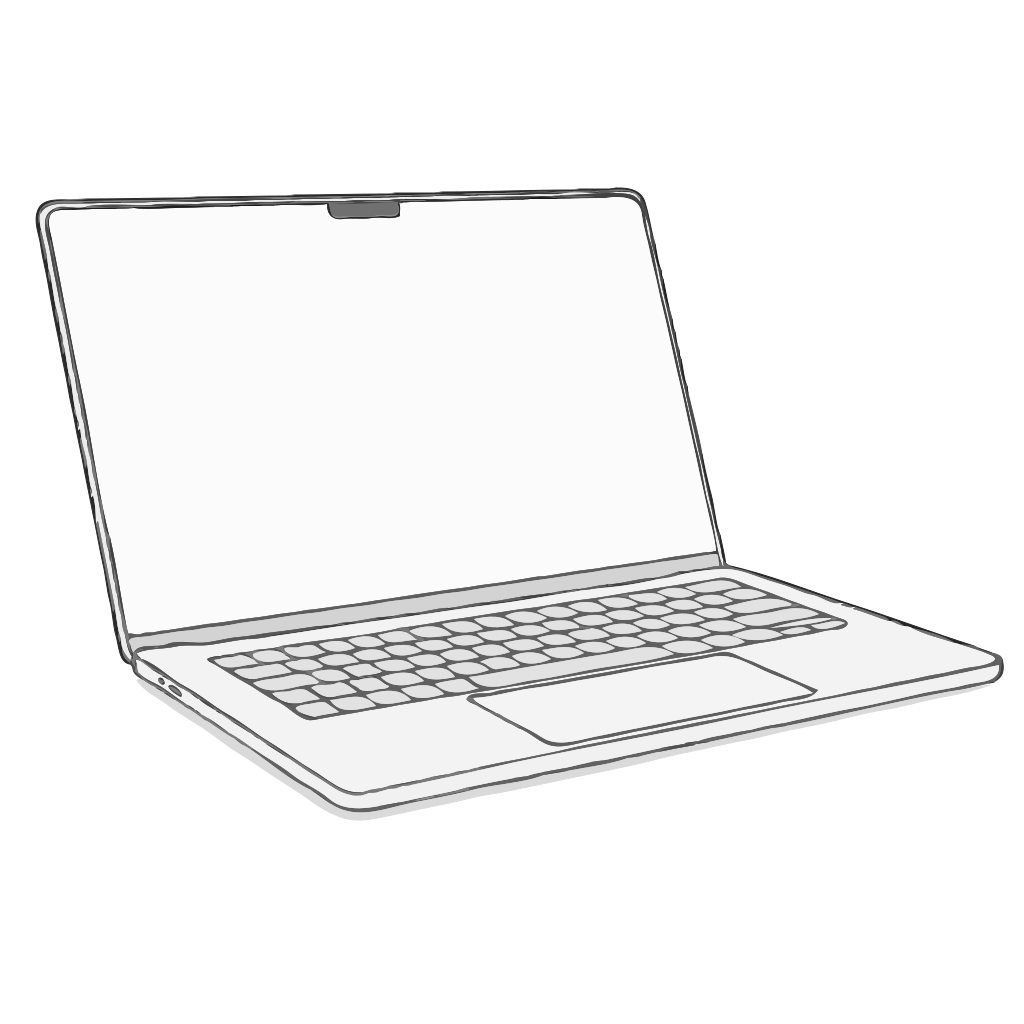
M1 Air vs latest Air The usual upgrade question.Compare
Latest Air vs 14″ Pro Notebook split: thin vs Pro bins.Compare
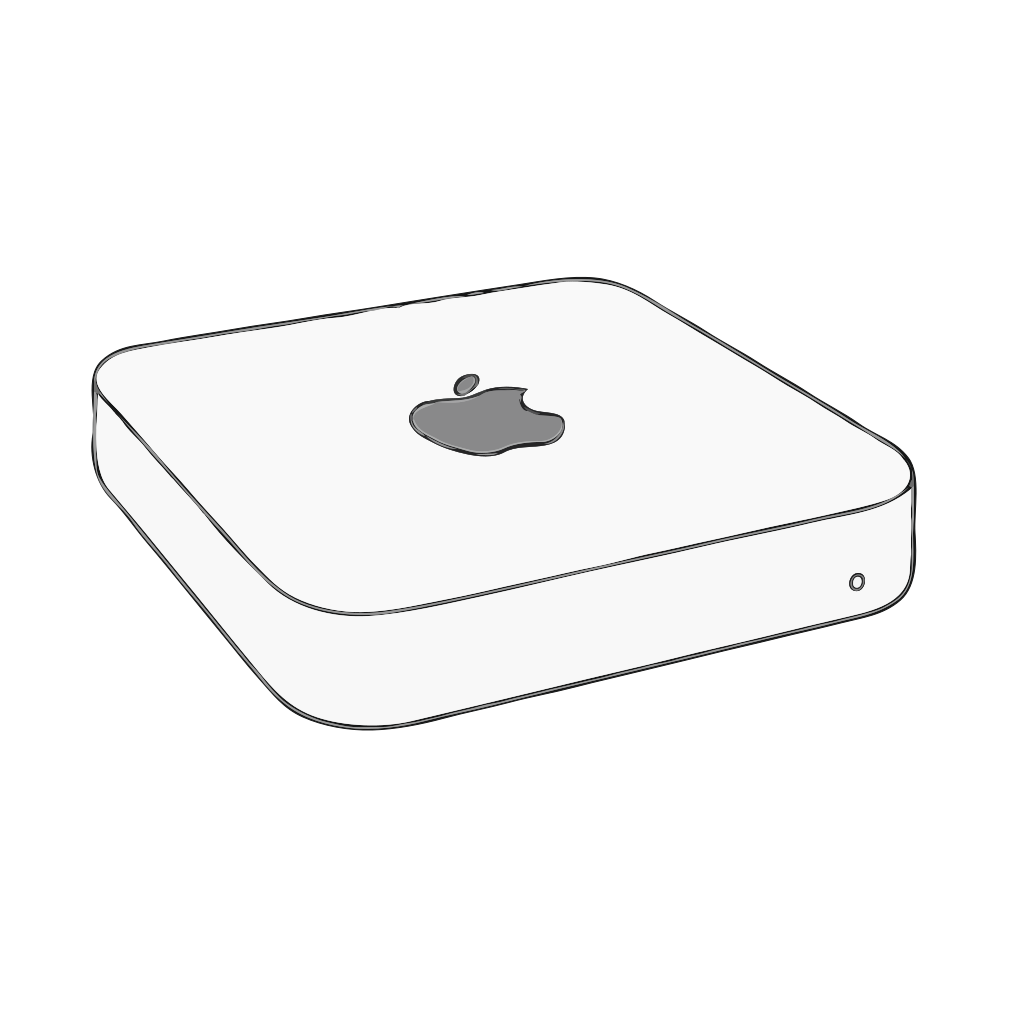
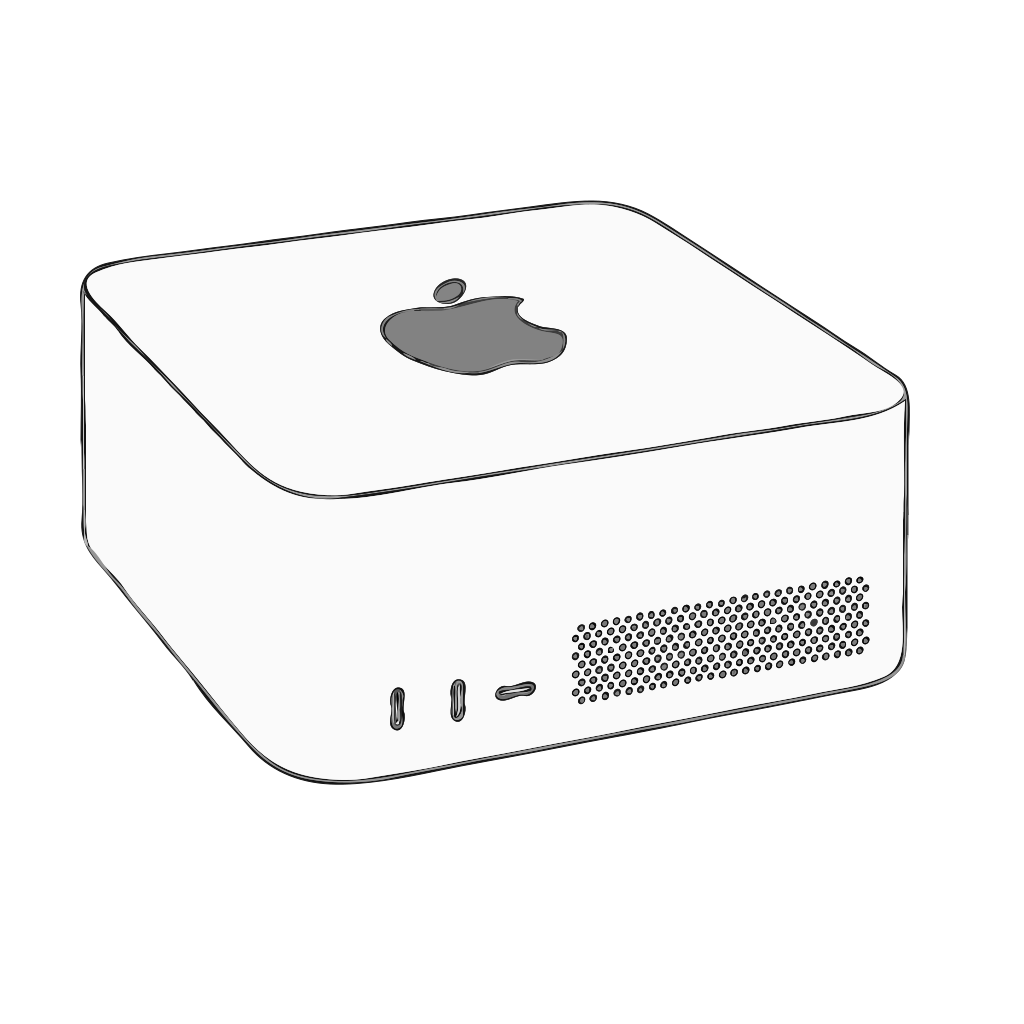
Mac mini vs Mac Studio Current desktop base configs.Compare
M4 vs M5 Current-gen vs newest chips.Guide
M1 vs M4 Mac Performance (MacDiff index) · MacDiff This guide compares Apple M1 and Apple M4 chip bins using MacDiff CPU and GPU indices. Everything is relative to the entry-level MacBook Air M1 = 100. It is a generation map for buyers — not a Geekbench article.Guide
M4 vs M5 Mac Performance (MacDiff index) · MacDiff M5 is the newest base Apple silicon generation in this catalog. On MacDiff, base M4 lands at CPU 149–167 / GPU 151–192, while base M5 sits at CPU 203 / GPU 220–253. Treat Geekbench headlines as a different universe.Guide
Upgrade from M1 MacBook Air (MacDiff) · MacDiff Starting point: MacBook Air 13″ 2020 M1 8c/7g 8GB/256 = CPU 100 / GPU 100 — the MacDiff baseline. This guide maps ownership upgrade paths (Air→Air, Air→Pro, Air→mini). For pure chip-generation math, also read M1 vs M4.Frequently asked questions
Short answers for people and answer engines. Details live on each model page and the methodology note.
What is MacDiff?
An independent Apple silicon Mac performance atlas with relative CPU/GPU indices (M1 Air = 100/100).
How are performance indices calculated?
MacDiff’s own normalized scale relative to the M1 Air baseline. Full note: /legal/disclaimer.
What is the baseline Mac?
M1 (8-CPU/7-GPU), 8GB, 256 is fixed at CPU 100 and GPU 100. Every other configuration is expressed relative to that origin. Open the baseline page.